LoadForceVector
Load with (3D) force vector; attached to position-based marker.
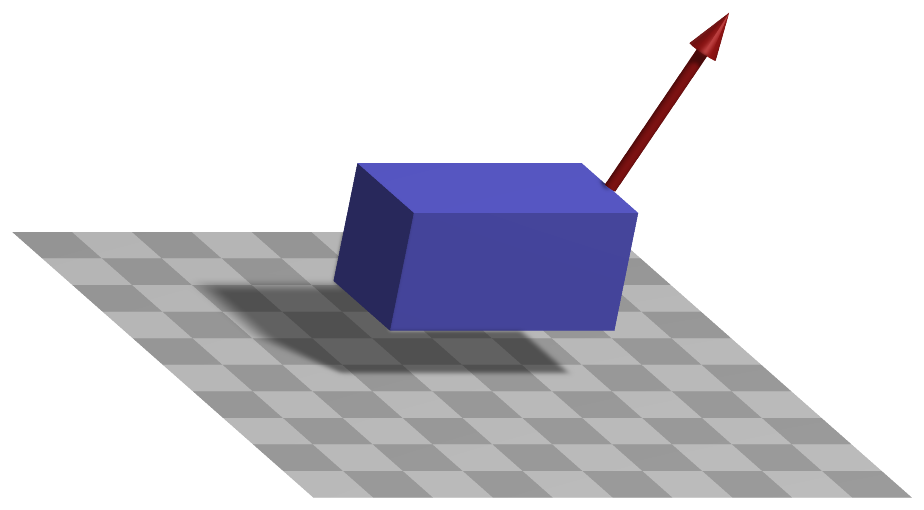
Simpler: mbs.CreateForce adds this item, with what it needs, in one call.
Interface
Python names:
LoadForceVectororForce, andVForcefor its visualizationMarkers it acts on: those providing
Position: MarkerBodyPosition, MarkerBodyRigid, MarkerNodePosition, MarkerNodeRigid, MarkerSuperElementPosition, MarkerSuperElementRigid, MarkerKinematicTreeRigid
Parameters
The parameters of the item; in a dictionary, its type is ‘ForceVector’:
name |
type |
size |
default |
description |
|---|---|---|---|---|
name |
String |
‘’ |
load’s unique name |
|
markerNumber |
MarkerIndex |
invalid (-1) |
marker’s number to which load is applied |
|
loadVector |
Vector3D |
3 |
[0.,0.,0.] |
(symbol: \(\fv\)) vector-valued load [SI:N]; in case of a user function, this vector is ignored |
bodyFixed |
Bool |
False |
if bodyFixed is true, the load is defined in body-fixed (local) coordinates, leading to a follower force; if false: global coordinates are used |
|
loadVectorUserFunction |
LoadForceVectorLoadVectorUserFunction |
0 |
(symbol: \(\mathrm{UF} \in \Rcal^3\)) A Python function which defines the time-dependent load and replaces loadVector; see description below; NOTE that in static computations, the loadFactor is always 1 for forces computed by user functions (this means for the static computation, that a user function returning [t5,t1,0] corresponds to loadVector=[5,1,0] without a user function); the render window draws the load with the value of the user function if visualizationSettings.loads.drawWithUserFunction is True and the user function is symbolic, or a Python function with visualizationSettings.general.useMultiThreadedRendering = False - the render thread cannot call Python -, otherwise with loadVector; a sensor (SensorLoad) returns the force of the user function in any case |
|
visualization |
VLoadForceVector |
parameters for visualization of item |
Visualization parameters
The parameters of VLoadForceVector, given as visualization:
name |
type |
size |
default |
description |
|---|---|---|---|---|
show |
Bool |
True |
set true, if item is shown in visualization and false if it is not shown |
Drawing
Drawn as all loads.
Detailed description
Load and its frame
The force \(\fv\) = loadVector, or the return value of loadVectorUserFunction, acts at the point
of the marker. With bodyFixed = False it is given in the global frame, \(\LU{0}{\fv} = \fv\). With
bodyFixed = True it is given in the frame of the marker and turns with it - a follower force -
which needs a marker that provides an orientation (MarkerBodyRigid, MarkerNodeRigid); it is
transformed into the global frame with the rotation matrix of the marker,
Generalized forces
The global force enters the equations of the body or node through the position Jacobian of the marker, \(\LU{0}{\Jm_{pos}} = \partial \LU{0}{\pv}_m / \partial \qv\),
multiplied by the load factor of a static computation unless a user function gives the load, see the page of the loads.
Userfunction: loadVectorUserFunction(mbs, t, loadVector)
A user function, which computes the force vector depending on time and object parameters, which is hereafter applied to object or node.
arguments / return |
type or size |
description |
|---|---|---|
|
MainSystem |
provides MainSystem mbs to which load belongs |
|
Real |
current time in mbs |
|
Vector3D |
\(\fv\) copied from object; WARNING: this parameter does not work in combination with static computation, as it is changed by the solver over step time |
return value |
Vector3D |
computed force vector |
Example:
from math import sin, cos, pi
def UFforce(mbs, t, loadVector):
    return [loadVector[0]*sin(t*10*2*pi),0,0]
Mini example
#a body-fixed force on a planar rigid body turned by 90 degrees: the local x-direction is global y
node = mbs.AddNode(NodeRigidBody2D(referenceCoordinates=[0.5,0.2,0.5*np.pi]))
body = mbs.AddObject(ObjectRigidBody2D(nodeNumber=node, mass=2, inertia=0.1))
mBody = mbs.AddMarker(MarkerBodyRigid(bodyNumber=body, localPosition=[0,0,0]))
mbs.AddLoad(LoadForceVector(markerNumber=mBody, loadVector=[1,0,0], bodyFixed=True))

mbs.Assemble()
mbs.SolveDynamic()

#y = F/(2m)*t^2 at t=1; x stays 0
exu.sys['testResult'] = mbs.GetNodeOutput(node, exu.OutputVariableType.Displacement)[1] #0.25
Examples (Ex) and TestModels (TM) that show this item, with weblink to github: tutorialSpringDamperCreate.py (Ex), tutorialRigidBodyCreate.py (Ex), rigidPendulum.py (Ex), doublePendulum2D.py (Ex), pendulum2Dconstraint.py (Ex)